


Step 1: Go to YouTube and click on your user icon in the top-right corner (you don't have to be signed into your account – you can click the three dots in that corner if you're logged out). 
Step 2: Click on the word "Dark theme: off." 
Step 3: Toggle on the switch that's labeled "Dark Theme," and the screen will switch to have a black background. 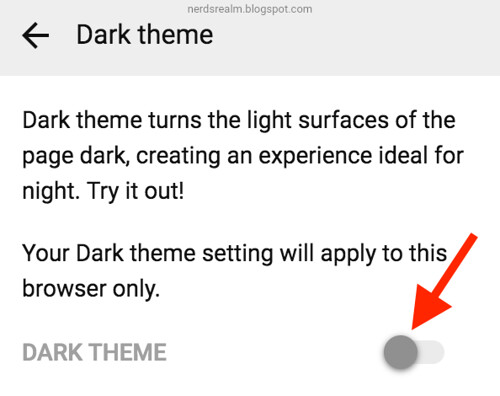







0 Yorumlar